
Landing Page Automation for Marketing Agencies
Drew Rattray · May 5, 2026 · 11 min read

Quick Answer
Landing page automation for marketing agencies is the use of software to build, personalize, test, and publish campaign pages at scale without hand-coding each one. It cuts production time from days to minutes, lets one team manage dozens of client campaigns, and pushes conversion rates higher through built-in A/B testing and CRM sync. Small agencies benefit just as much as enterprise teams, especially when paired with templates and AI generators.
Key Takeaways
- Landing page automation replaces manual design, coding, and QA with templates, AI generation, and rules-based publishing.
- Agencies typically save 60 to 80 percent of production time per campaign once workflows are set up.
- Pricing ranges from free tiers to roughly 300 dollars per month for agency plans, with enterprise tools costing more.
- The biggest gains come from A/B testing, personalization, and CRM integration, not just faster building.
- Small agencies and solopreneurs can adopt automation today; you don't need a developer on staff.
- Common mistakes include over-templating, skipping tracking setup, and ignoring mobile performance.
- Track conversion rate, cost per lead, page load speed, and form completion rate to measure success.
What Exactly Is Landing Page Automation and How Does It Work?
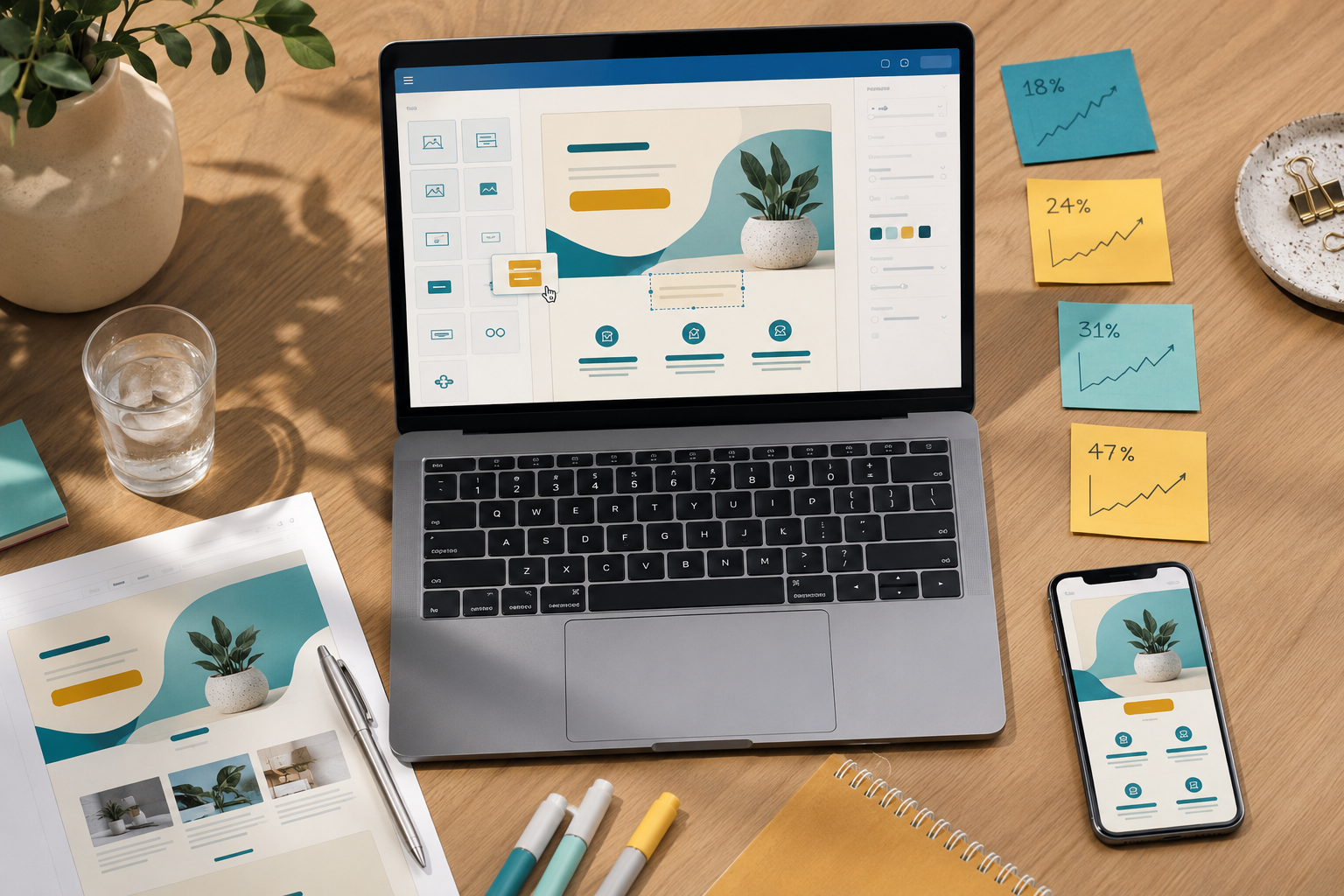
Landing page automation is software that handles the repetitive parts of building campaign pages: layout, copy variants, form logic, tracking, and publishing. Instead of a designer building each page from scratch, the platform pulls from templates, brand kits, and data sources to assemble pages on demand.
Most platforms work in three layers:
- A builder with drag-and-drop blocks or AI generation from a prompt.
- A rules engine that swaps headlines, images, or offers based on traffic source, location, or audience segment.
- An integration layer that pushes leads into a CRM, email tool, or ad platform automatically.
For example, you can set one master template for a client and spin up 50 city-specific variants in an afternoon, each with unique copy and tracking.
Which Landing Page Automation Tools Are Best for Marketing Agencies?
The best tool depends on your client mix and budget. Instapage is widely used by agencies running paid traffic at scale because of its testing features and team workflows [4]. Landingi offers an AI generator called Lunar that builds pages from a short brief [9]. Landing.so focuses on speed and brand consistency for non-technical users.
Here's a quick comparison:
| Tool | Best For | Strength |
|---|---|---|
| Instapage [4] | Paid media agencies | A/B testing, ad mapping |
| Landingi [9] | Mixed client portfolios | AI generation, templates |
| Landing.so [1] | Solo and small agencies | Speed, simple UI |
| Konverly [6] | Funnel-focused agencies | Full funnels plus pages |
| Leadfox [8] | Template-driven workflows | 100 plus designed templates |
| Groops [5] | Local SEO and bulk pages | Mass page generation |
| Scalabl [2] | All-in-one agency stack | CRM plus pages plus automation |
For a broader view on stacking tools together, see the 2026 agency guide to automation.
How Much Do Landing Page Automation Platforms Typically Cost?
Most agency-friendly platforms fall between 30 and 300 dollars per month, with enterprise plans going higher. Entry-level builders like Leadfox start around 20 to 50 dollars per month. Mid-tier tools like Landingi sit in the 60 to 200 dollar range depending on features [9]. Instapage agency plans typically run several hundred dollars monthly because of advanced testing and personalization.
Watch for these extra costs:
- Per-domain or per-client fees
- Visitor or page-view caps
- Add-on costs for AI credits or heatmaps
- White-label or sub-account upgrades
Decision rule: if you manage fewer than five active clients, start on a mid-tier monthly plan. Once you cross ten clients, agency tiers usually pay for themselves.
How Can Landing Page Automation Improve My Agency's Conversion Rates?
Automation lifts conversion rates by making testing and personalization practical at agency scale. Manual testing usually stalls because no one has time to design five variants per campaign. Automated platforms generate variants, split traffic, and report winners without extra labor.
Three levers do most of the work:
- Message match: aligning ad copy with headline copy automatically based on the click source.
- Dynamic content: swapping offers by location, device, or industry.
- Continuous testing: rolling A/B tests that retire losers and promote winners.
A common quick example: an agency running Google Ads for a dentist creates one page per service (cleanings, implants, whitening) instead of one generic page. Conversion rates often double once message match tightens up.
What Are Common Mistakes Agencies Make When Implementing Landing Page Automation?
The most common mistake is treating automation like a faster version of manual work instead of rebuilding the process around it. Agencies buy a tool, then keep designing every page by hand inside it. The savings never show up.
Other frequent issues:
- Skipping tracking setup, so no one knows which variant won
- Over-templating, where every client's pages look identical
- Ignoring page load speed, which kills mobile conversions
- Forgetting to connect the CRM, leaving leads stuck in the platform
- Letting AI generate copy without a human edit pass
Edge case: highly regulated clients (finance, health, legal) often need compliance review on every page, which can slow automation. Build approval steps into the workflow from day one.
Is Landing Page Automation Good for Small Agencies or Just Enterprise Teams?
Small agencies often benefit more than enterprise teams, because automation removes the one bottleneck solo operators feel most: production capacity. A two-person agency can ship the same volume of pages as a ten-person shop once workflows are templated.
Choose automation if you:
- Manage three or more clients with regular campaigns
- Run paid traffic that needs frequent page updates
- Want to offer landing pages as a productized service
- Spend more than five hours per week on page builds
Skip it (for now) if your agency only builds one or two pages a quarter or focuses entirely on retainer content work.
What Technical Skills Do I Need to Use Landing Page Automation Software?
Almost none. Modern platforms are built for marketers, not developers. If you can use Canva or Google Docs, you can use most landing page builders.
Helpful but optional skills:
- Basic HTML or CSS for custom tweaks
- Understanding of tracking pixels and UTM parameters
- Familiarity with Google Tag Manager
- Light copywriting for headlines and CTAs
Most agencies assign one team member as the "page lead" who learns the tool deeply, then trains others using saved templates.

Can Landing Page Automation Integrate With My Existing CRM and Marketing Tools?
Yes, integration is one of the main reasons to use automation in the first place. Leading platforms connect natively with HubSpot, Salesforce, Mailchimp, ActiveCampaign, and most ad platforms. Webhooks and Zapier cover anything not supported natively.
Typical agency stack connections:
- Form submissions to CRM contacts
- New leads to email nurture sequences
- Conversions back to Google Ads and Meta for optimization
- Lead data to Slack or email for sales alerts
Test every integration with a real submission before going live. Broken handoffs are the silent killer of campaign performance.
What Kind of Businesses or Industries Benefit Most from Landing Page Automation?
High-volume, high-variant industries gain the most. Local services with multiple locations, e-commerce with seasonal promotions, SaaS with multiple personas, and lead-gen verticals like home services, legal, and finance all see strong returns.
Industries where automation pays off fastest:
- Local services: one page per city or service area
- Real estate: one page per listing or neighborhood
- E-commerce: one page per product launch or sale
- B2B SaaS: one page per industry or job title
- Education: one page per course or program
Industries with lower fit include custom enterprise sales (long, bespoke pages) and creative portfolio work where each page is a standalone design project.
How Do I Know If My Agency Really Needs Landing Page Automation?
Run this quick check. You need automation if any two of these are true:
- You build more than four landing pages per month
- You manage paid traffic for clients
- Page production is your bottleneck for taking new clients
- You want to test variants but never have time
- Clients ask for landing pages as part of campaigns
If none apply, hold off and revisit in six months. Tools cost money and have a learning curve; adopt them when the math works.
What Are the Key Differences Between Landing Page Builders and Landing Page Automation Platforms?
Builders help one person make one page faster. Automation platforms help a team make many pages, test them, and connect them to other systems. The line blurs as builders add automation features, but the practical difference is scale and integration.
| Feature | Basic Builder | Automation Platform |
|---|---|---|
| Drag-and-drop editor | Yes | Yes |
| A/B testing | Sometimes | Yes, built-in |
| Dynamic content | Rare | Yes |
| CRM integration | Limited | Native and deep |
| Bulk page generation | No | Yes |
| Client sub-accounts | No | Yes |
| AI generation | Emerging | Standard |
Are There Any Free Landing Page Automation Tools for Agencies on a Budget?
A few platforms offer free tiers, though they usually cap pages, visitors, or features. HubSpot's free CMS includes basic landing pages with a HubSpot subdomain. Carrd and Mailchimp offer free single-page builders suitable for testing the waters.
Free options work for solopreneurs running one or two campaigns. Once you need custom domains, A/B testing, or client sub-accounts, plan on a paid tier. The time saved usually outweighs the subscription cost within the first month.
What Metrics Should I Track to Measure Landing Page Automation Success?
Track these five metrics to prove ROI to clients and to your own bookkeeping:
- Conversion rate: percentage of visitors who complete the primary action
- Cost per lead or acquisition: ad spend divided by conversions
- Page load time: under 2.5 seconds on mobile is the target
- Bounce rate: high bounce often means message mismatch
- Form completion rate: percentage who start the form and finish it
Build a simple monthly report template that pulls these from the platform's analytics or Google Analytics. Show clients the trendline, not just the snapshot.
FAQ
How long does it take to set up landing page automation for an agency? Most agencies are live within one to two weeks: a few days to pick a tool, a week to build core templates, and a few days for CRM integration and testing.
Can I white-label landing pages for clients? Yes. Most agency-tier plans include custom domains, removed platform branding, and client sub-accounts.
Do I need a designer to use these tools? No. Templates and AI generators cover most needs. A designer helps for custom client brands but isn't required to get started [1][9].
Will automated pages hurt my SEO? Not if you set them up right. Use unique content, clean URLs, fast load times, and proper meta tags. Bulk-generated pages can rank well when each has genuine local or topical value.
How many landing pages should an agency build per client? It depends on the campaign, but most paid traffic campaigns benefit from three to ten variants per offer. Local services often need one per service-city combination.
What's the fastest way to get started? Pick one client, build one template, and ship three variants this week. Measure results, refine the template, then scale to other clients.
Can automation replace a conversion copywriter? No. AI tools draft fast, but conversion copy still needs human judgment on offers, audience, and voice. Use AI for first drafts, then edit.
Conclusion and Next Steps
Landing page automation is no longer a luxury for big agencies. It's how small and mid-sized agencies compete on speed and conversion quality without hiring more staff. The agencies pulling ahead in 2026 are the ones treating page production as a system, not a craft project.
Your next steps:
- Audit your current page production time per client this week
- Shortlist two or three tools from this guide based on your client mix
- Run a 14-day trial and rebuild one active campaign inside it
- Measure time saved and conversion lift before committing
- Document your template library so the next page takes minutes, not hours
Start small, prove the ROI on one client, then roll it out across the agency.